 NSofts Mate
Spending and income
Record daily expenses and income, then review your totals in Money or ask a question like “How much did I spend this month?”
Your everyday organizer
Log a bill, ask what is due today or check how much you spent this month. Mate turns everyday notes into records you can ask questions about, in English, Sinhala or Tamil.
No account required for Free. Works offline after first load.
What you can track
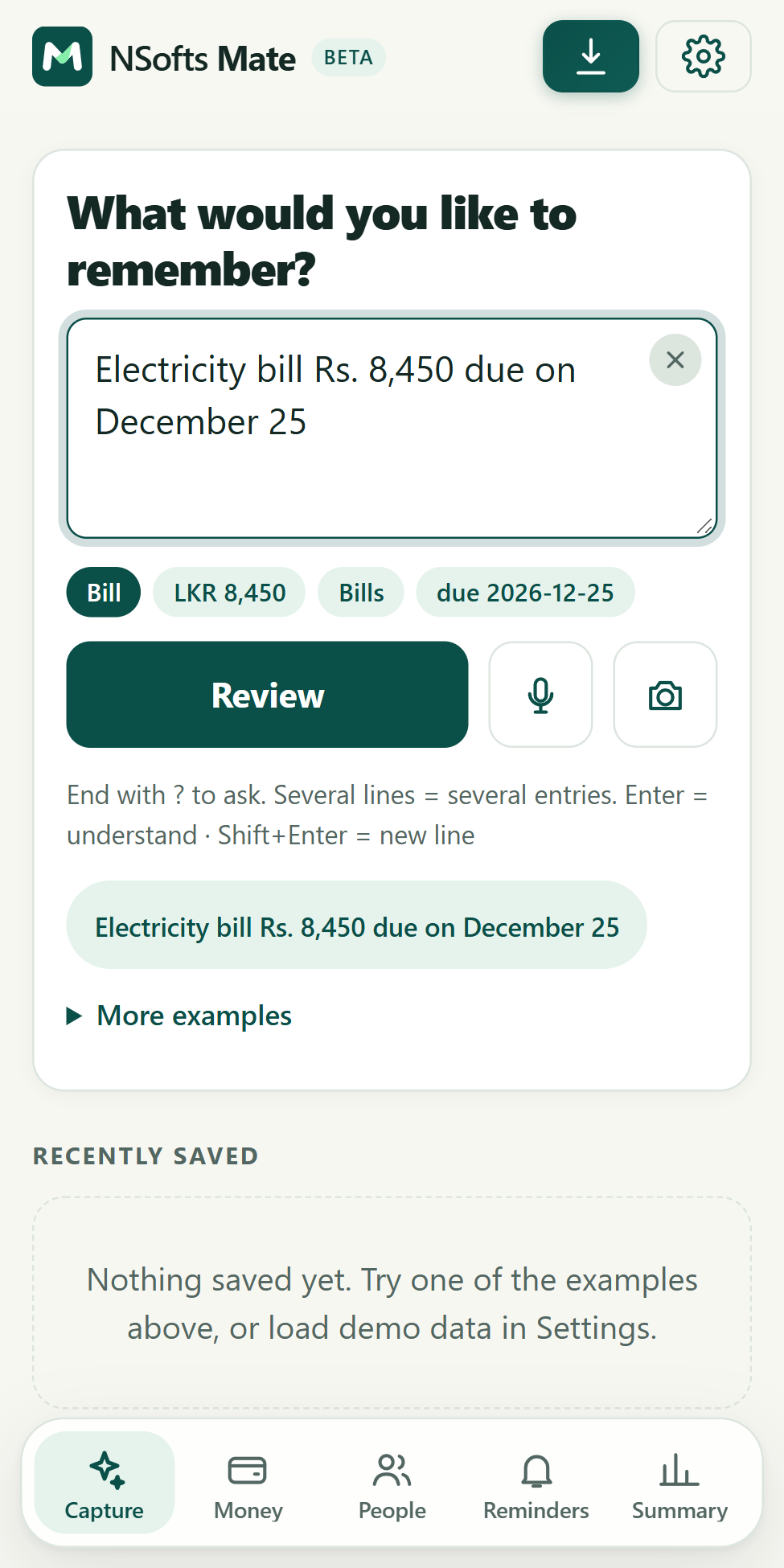
Enter a sentence or paste a message into Smart Capture. Mate suggests an entry type and details for you to review before you save.
Record daily expenses and income, then review your totals in Money or ask a question like “How much did I spend this month?”
Track what you lent or borrowed, who was involved and when it’s due. See outstanding amounts in People.
Keep track of due dates, recurring bills and shopping lists. Mark a bill as paid to record it in spending.
Log electricity or water meter readings. Mate calculates units used between readings and shows usage in Summary.
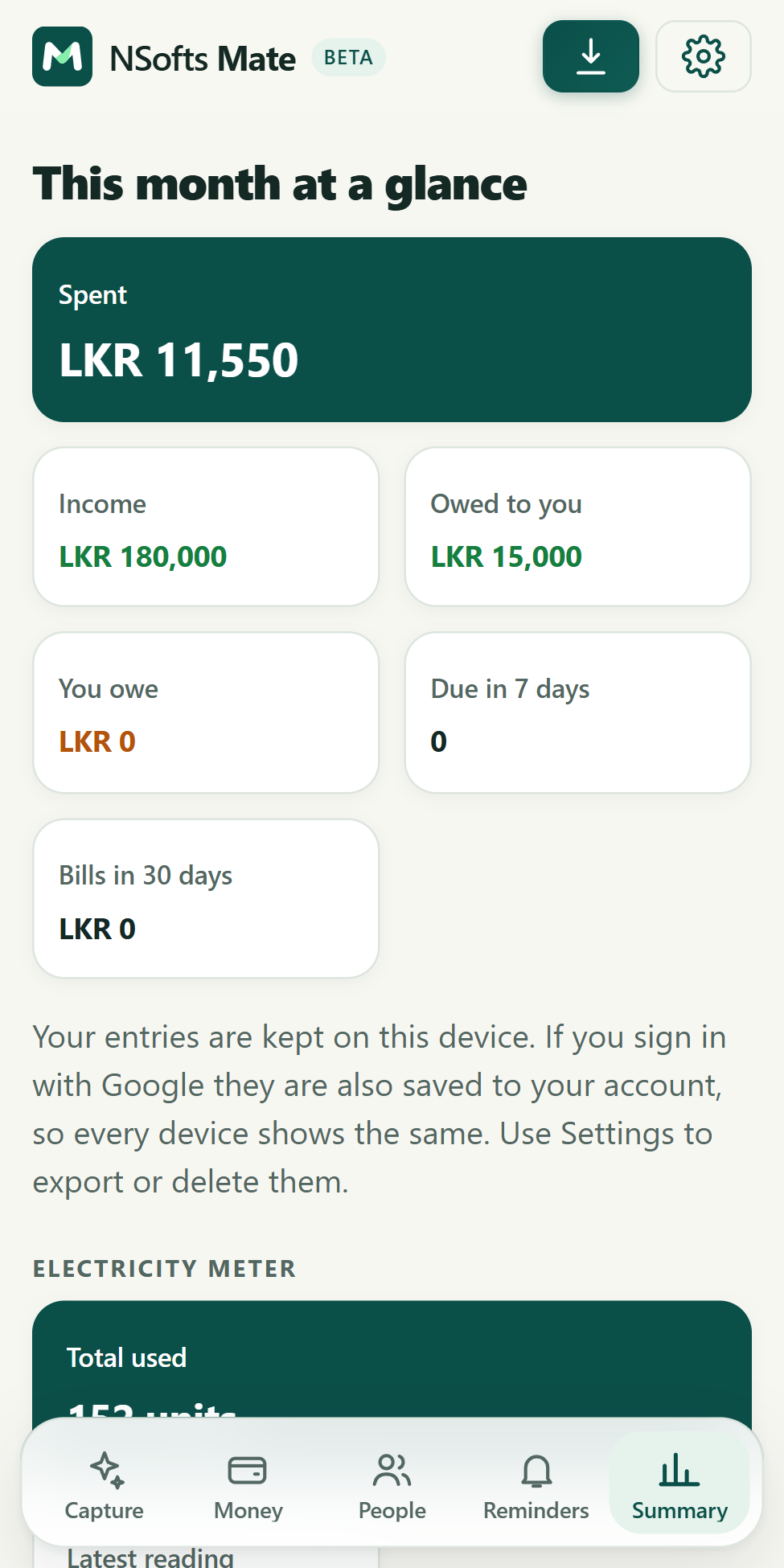
Open Summary to see patterns in your entries. Use History to review changes and export your records from Settings whenever you want a copy.
Ask Mate
Use the same box to log a bill or ask what you owe. Mate works out totals, balances and meter usage from entries you have saved. It processes these questions on your device.
See due and overdue tasks, tasks without dates and the number of items on your shopping list.
See this month's income, spending and net balance, plus upcoming bills, loan payments and expected repayments.
See who still has a balance to repay based on the loans and repayments you have logged.
Mate subtracts consecutive meter readings so you can see how many units you used.
Day-to-day operations
Use Mate as your own organizer while working with a team. Keep the follow-ups, expenses and readings you are responsible for in one place.
Save a supplier bill when it arrives, check which payments are due today and mark the bill as paid once it is settled.
Log fuel and supply costs as they happen. Record money lent or borrowed and check outstanding balances before following up.
Record electricity and water readings at each check. Review the units used between readings before reporting them to your team.
Ask what is due tomorrow to prepare for the next shift. Check monthly spending before an expense review and export your records when you need a copy.
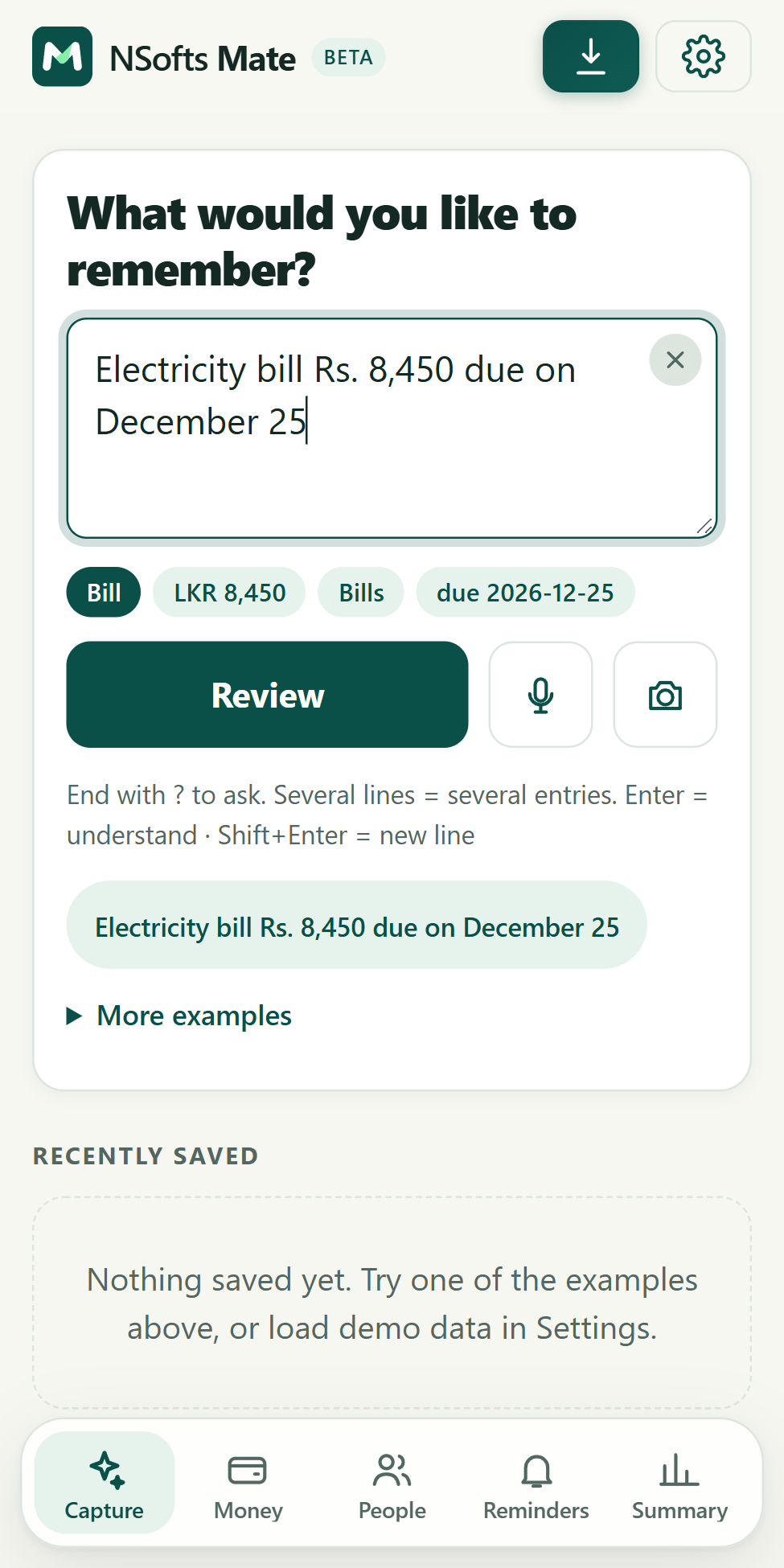
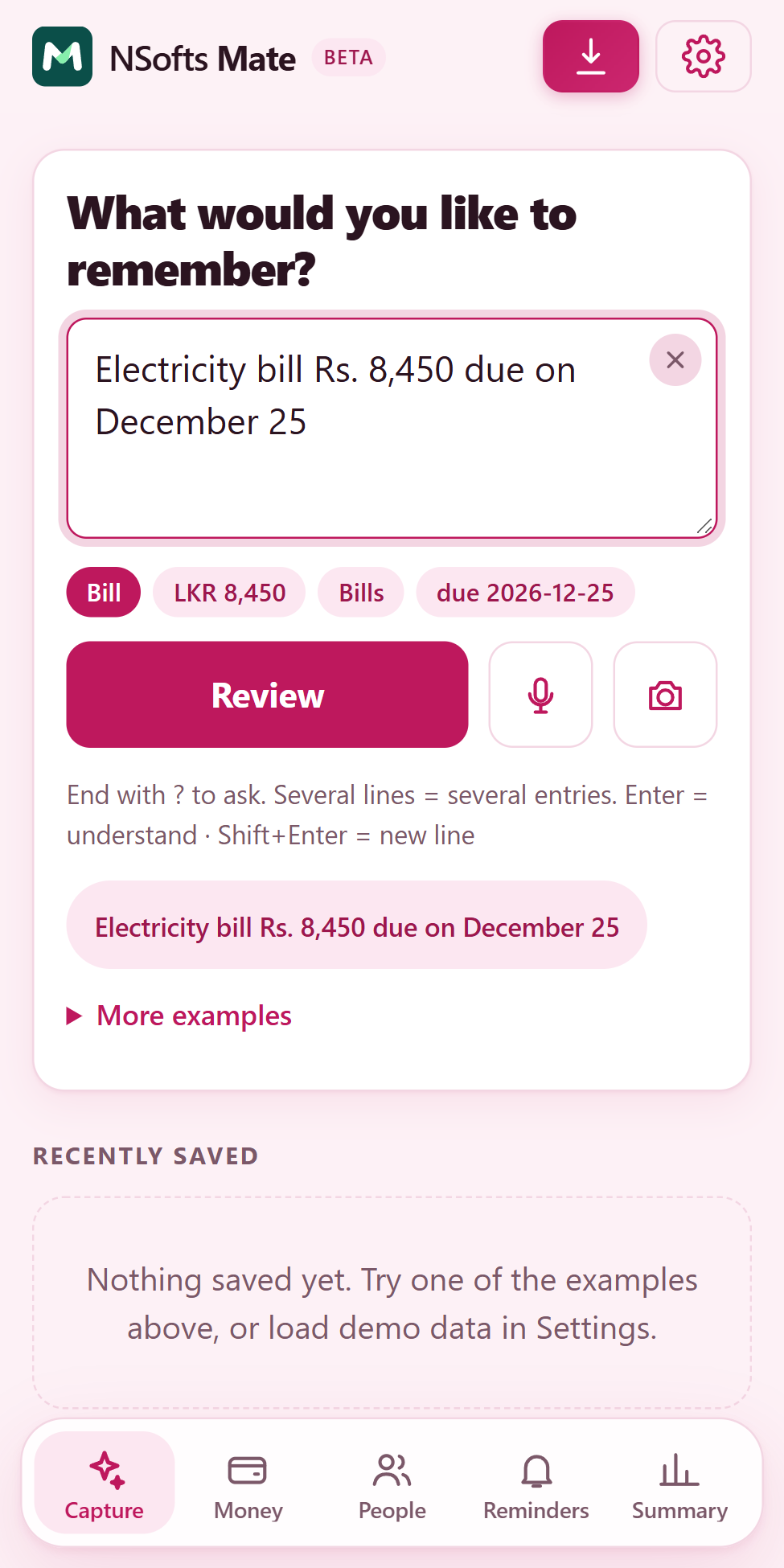
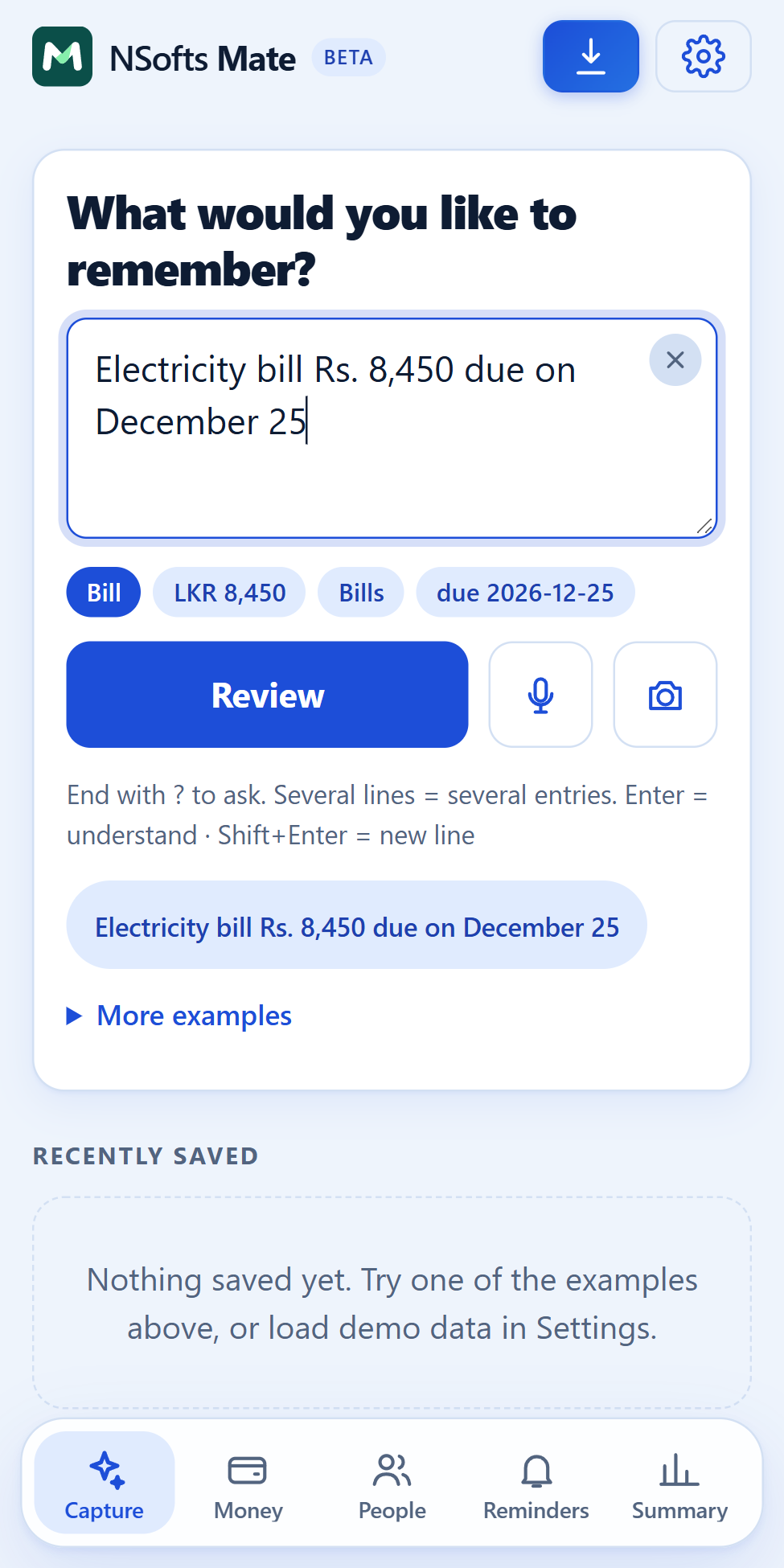
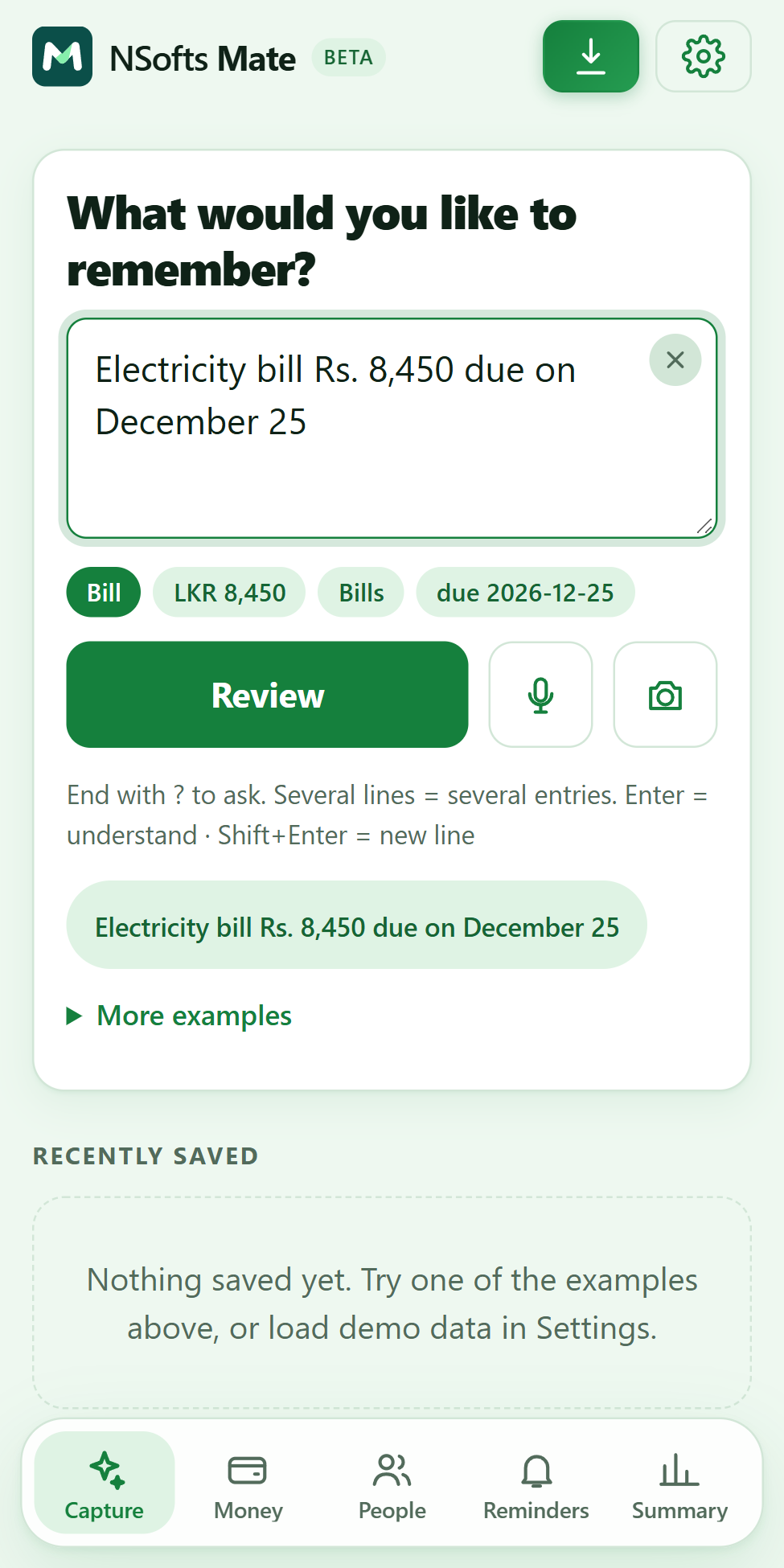
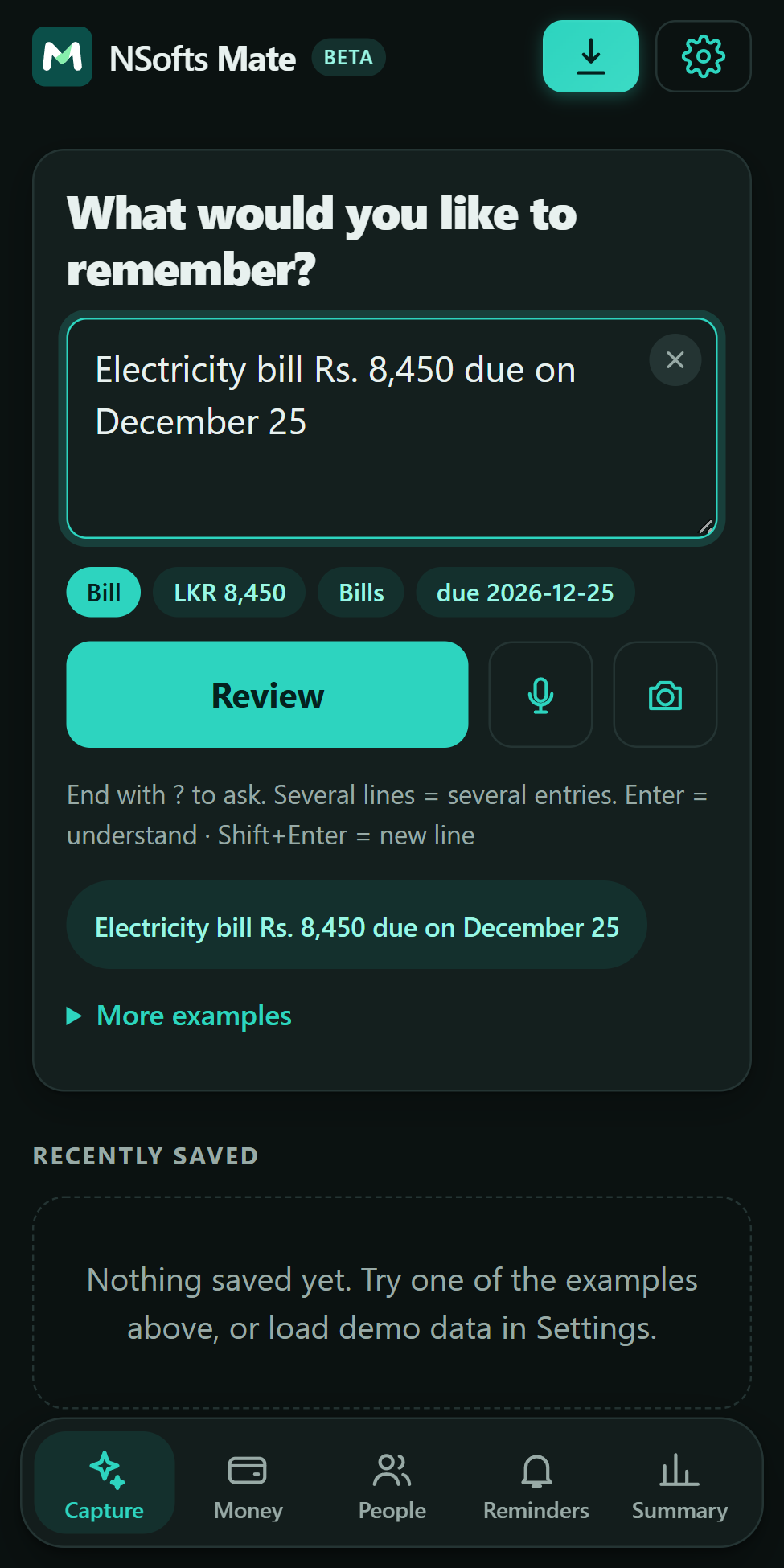
The same bill in each theme. Choose your preferred look in Mate Settings.
Product demos
Follow an example from the first typed sentence through to spending totals, reminders and the people ledger.
Free and paid
Free gives you the everyday tools in one browser. Mate Plus is planned for people who want their records to follow them across devices.
Rs 0
Available now. No account required.
Rs 2,400 / year
Equivalent to Rs 200 per month, billed once a year.
Yes. Open Mate online first so it can load. You can then log entries and review data saved in that browser while offline. Planned cloud sync requires a connection.
Free records are stored in the browser you used. Export a JSON copy from Settings before clearing browser data or changing devices. Keep a copy somewhere you can access later.
Open Mate in a supported browser and look for Install or Add to Home Screen in the browser menu. You can also use it directly in the browser.
Contact NSofts about buying Mate Plus. The annual plan is Rs 2,400, charged as one payment.